JD Shadow GCash Deposit Failed: Why Your Payment Didn't Go Through and Fixes
JD Shadow GCash Deposit Failed: Why Your Payment Didn't Go Through and Fixes
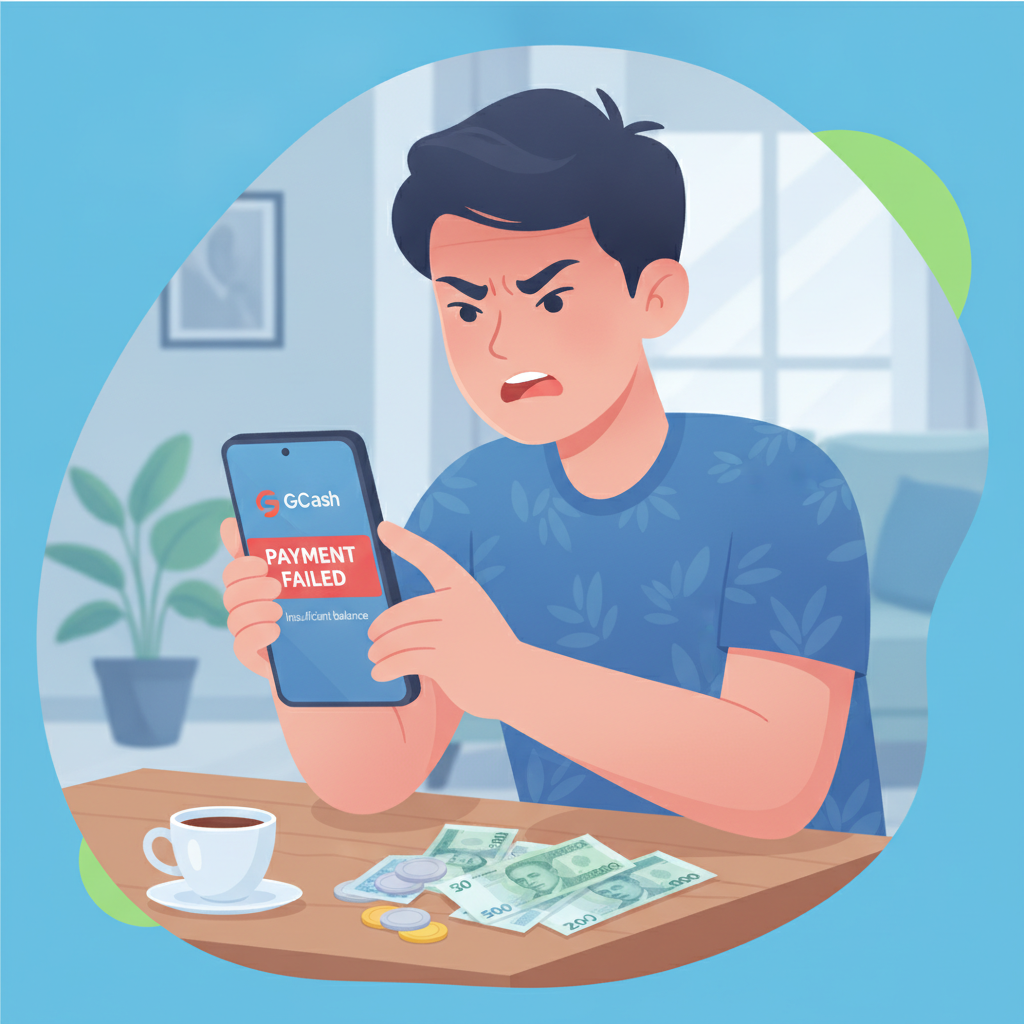
GCash is one of the most popular deposit methods for JD Shadow players in the Philippines, but transactions don't always complete on the first try. If your GCash deposit to JD Shadow was declined, stuck on "pending," or money left your wallet without appearing in your casino account, this guide explains the common causes and what to do next.
Age restriction: JD Shadow is for players aged 21 and over only. Bet responsibly: Set deposit limits and only wager amounts you can afford to lose.
Common Reasons GCash Deposits to JD Shadow Fail or Get Declined
Several technical and account-related issues can cause a GCash deposit to JD Shadow to fail:
Insufficient balance: The most frequent reason. If your GCash wallet doesn't hold enough pesos to cover both the deposit amount and any transaction fee, the payment will be declined immediately.
Daily transaction limit reached: GCash imposes daily sending limits based on your verification level. Fully verified accounts can send up to PHP 100,000 per day, but if you've already sent money to other merchants or people earlier in the day, you may hit your cap before the JD Shadow deposit processes.
Incorrect casino account details: Entering the wrong player ID, registered mobile number, or reference code during the GCash checkout can cause the transaction to fail or route your payment incorrectly.
GCash system maintenance or downtime: GCash occasionally schedules maintenance windows—usually late at night—when transactions are temporarily unavailable. Network outages or high server load during peak hours (lunch breaks, evenings) can also interrupt payments.
Expired session or timeout: If you leave the deposit screen open too long before confirming the GCash payment, the session may expire. JD Shadow typically gives you a few minutes to complete the transaction; exceeding that window cancels the request.
Account verification issues: If your GCash account is not fully verified (ID and selfie upload complete), some merchant payments may be blocked or require manual review.
Flagged or restricted GCash account: Unusual activity, chargebacks, or policy violations can lead GCash to temporarily restrict your ability to send money to gaming or entertainment merchants. You'll see a generic "transaction declined" message if this applies.
Checking GCash Balance, Daily Limits and Account Status
Before retrying a failed deposit, confirm your GCash account is ready:
Check your current balance: Open the GCash app and look at the wallet home screen. Make sure the displayed amount covers your intended deposit plus any small processing fee (fees are rare for casino deposits, but verify in the transaction preview).
Review today's total sent: Tap the transaction history icon and filter by "sent" transactions for the current day. Add up all outgoing amounts to see how close you are to your daily limit. If you're near or at the cap, you'll need to wait until midnight (PHT) for the limit to reset, or upgrade your verification tier if you're on a basic account.
Verify your account status: Go to your GCash profile and check the verification badge. A "Fully Verified" status unlocks higher limits and fewer merchant restrictions. If you see "Partially Verified" or "Unverified," complete the ID and selfie upload process under the "Verify Now" section.
Look for account alerts: GCash will display a banner or send an in-app notification if your account is restricted, under review, or requires additional verification. Address any prompts before attempting another deposit.
Test your connection: Slow or unstable mobile data can cause checkout timeouts. Switch to Wi-Fi or move to an area with stronger signal if you're seeing repeated "network error" messages.
What to Do if Money Was Deducted from GCash but Didn't Reach JD Shadow
This is the most stressful scenario: GCash shows the payment as "successful" and deducted pesos from your wallet, but your JD Shadow account balance hasn't updated. Here's the step-by-step process:
Wait 15 to 30 minutes: Most GCash-to-casino transactions post instantly, but during high traffic or technical delays the deposit can take up to 30 minutes to reflect in your JD Shadow account. Check your casino balance after this window before escalating.
Double-check your JD Shadow player ID: Log in to JD Shadow and confirm the player ID or mobile number you entered during the GCash deposit matches your registered account. If you mistyped it, your deposit may have been credited to a different account or held in a suspense file.
Save your GCash transaction receipt: In the GCash app, go to transaction history, tap the deposit in question, and screenshot the receipt showing the reference number, amount, date, time, and merchant name (JD Shadow or its payment processor). You'll need this proof if you contact support.
Contact JD Shadow customer support: Use the live chat or email support listed on the JD Shadow site. Provide your player ID, the GCash reference number, deposit amount in PHP, and timestamp. Support teams can trace the payment on the payment gateway's backend and manually credit your account if the funds arrived but weren't auto-posted.
Also notify GCash support if the issue persists: If JD Shadow support confirms they never received the money, open a ticket with GCash through the app's help center. Select "Send Money" > "Issue with a transaction" and attach your receipt. GCash can investigate whether the payment was routed correctly or needs to be reversed.
Do not deposit again immediately: Resist the urge to retry the same deposit before resolving the missing transaction. You risk doubling your payment or complicating the investigation.
In most cases, when money leaves GCash but doesn't appear in JD Shadow, the payment is sitting in a pending or unmatched queue on the payment gateway. Casino support can usually locate and credit it within a few hours once you provide the reference number.
How Long to Wait for Failed Deposit Refund to GCash Wallet
If the deposit genuinely failed—GCash declined the transaction or JD Shadow's payment processor rejected it—your pesos should be returned to your GCash wallet automatically. Refund timelines vary:
Immediate or within minutes: If GCash declined the transaction before it reached JD Shadow's gateway (for example, insufficient balance or limit exceeded), the deduction may reverse instantly, or you'll see a "failed" status in your transaction history with no actual money movement.
1 to 3 business days: If the payment reached the payment gateway but was rejected by JD Shadow (incorrect account details, duplicate transaction, or system error), the refund typically processes within one to three business days. You'll receive a GCash in-app notification when the pesos are returned.
Up to 7 business days for disputed cases: In rare situations where the transaction status is unclear or under manual review, refunds can take up to a week. This often happens if you initiated a chargeback or dispute through GCash before the merchant responded.
Check "Money In" history: When the refund arrives, it will appear in your GCash transaction history under "Money In" or "Refund" with a reference to the original merchant or transaction ID.
If you don't see a refund after seven business days and GCash still shows the deduction, escalate with both GCash support and JD Shadow support. Provide your transaction receipt and ask for a trace on both ends.
Preventing Future GCash Deposit Issues
To reduce the chance of failed deposits going forward:
- Keep your GCash app updated: Outdated versions can have bugs that cause checkout errors.
- Use a stable internet connection: Complete the entire deposit flow on Wi-Fi or strong 4G/5G to avoid session timeouts.
- Double-check all details: Verify your JD Shadow player ID and deposit amount before confirming the GCash payment.
- Stay within your limits: Know your daily GCash sending cap and plan larger deposits accordingly, or split them across multiple days.
- Complete full verification: A fully verified GCash account has fewer merchant restrictions and faster support resolution.
- Keep transaction receipts: Screenshot every deposit confirmation so you have proof if something goes wrong.
Responsible Gambling Reminder and 21+ Age Restriction
JD Shadow is strictly for players aged 21 and over. Online gambling should be an occasional entertainment choice, not a way to make money. If a deposit fails, take it as a natural pause to review your budget. Set daily or weekly deposit limits within your GCash app or your JD Shadow account settings, and never chase losses by forcing through a payment when your wallet balance is low.
If you feel you're depositing too often or struggling to control your spending, reach out to local responsible gambling resources or take a break from play. Your financial wellbeing comes first.
Summary: GCash deposits to JD Shadow most often fail due to insufficient balance, daily limits, incorrect account details, or temporary network issues. If money left GCash but didn't reach your casino balance, wait 30 minutes, then contact JD Shadow support with your transaction receipt. Refunds for genuinely declined payments usually arrive within one to three business days. Always verify your GCash account fully, keep the app updated, and double-check player details before confirming any deposit.