JD Shadow GCash Withdrawal: Step-by-Step Guide to Cash Out Your Winnings
JD Shadow GCash Withdrawal: Step-by-Step Guide to Cash Out Your Winnings
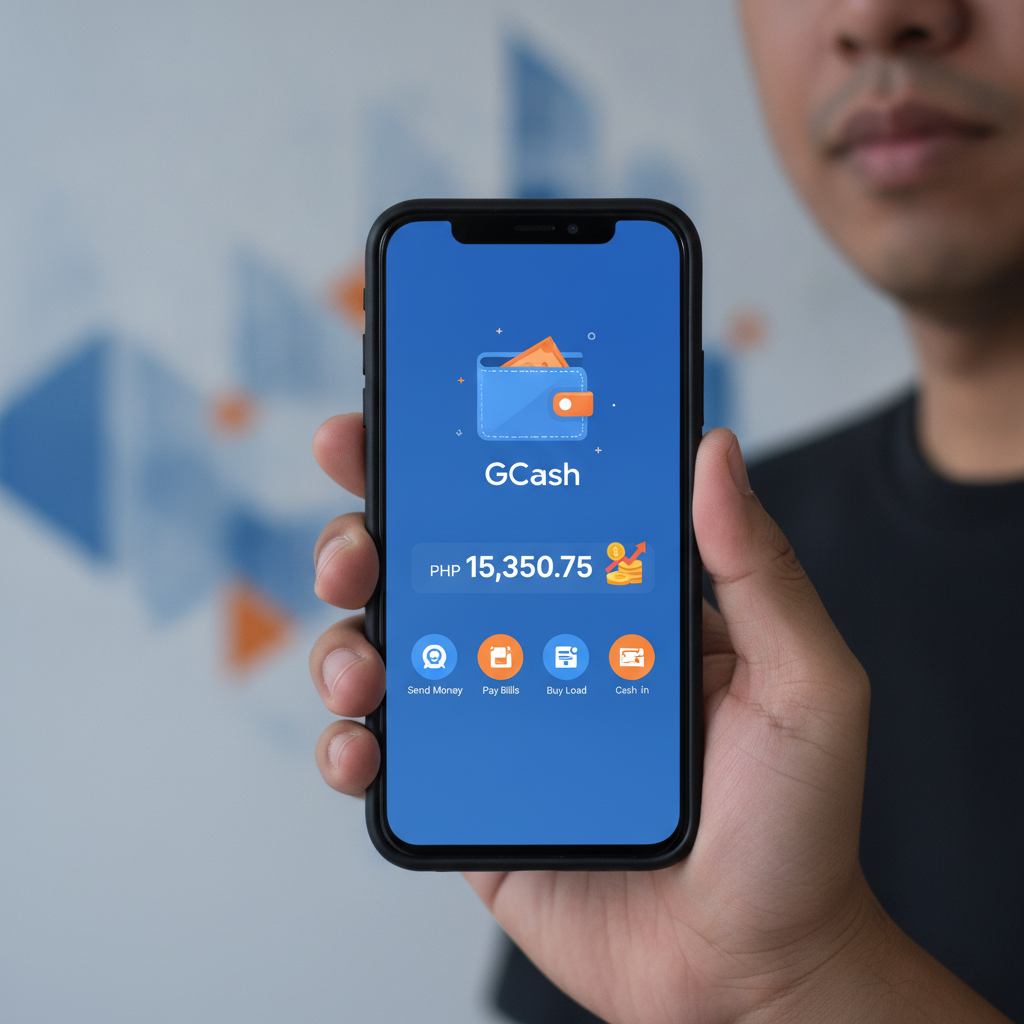
GCash is one of the most popular e-wallet options for cashing out from JD Shadow in the Philippines. This guide walks you through the withdrawal process, explains the limits and fees, and shows you how to fix common errors when moving your winnings to your GCash account.
How to Request a GCash Withdrawal from JD Shadow Account
Withdrawing your balance to GCash follows a straightforward process inside the JD Shadow platform. Here's what you need to do:
Step 1: Log in to your JD Shadow account
Open the JD Shadow site or app and enter your username and password. Make sure your account is fully verified—if you haven't completed ID verification yet, your withdrawal may be delayed or declined.
Step 2: Go to the cashier or withdrawal section
Tap the menu icon (usually three horizontal lines) and look for "Cashier," "Withdraw," or "Cash Out." Different versions of the app may label this section slightly differently, but it's typically found in the main account menu.
Step 3: Select GCash as your withdrawal method
You'll see a list of available payout options: GCash, Maya, bank transfer via InstaPay or PESONet. Tap on GCash.
Step 4: Enter your GCash mobile number
Type in the 11-digit mobile number registered to your GCash account. This number must match the name on your JD Shadow account. If there's a mismatch, the withdrawal will fail.
Step 5: Enter the amount you want to withdraw
Type in the peso amount. Make sure it falls within the minimum and maximum limits (covered below). Check your available balance—you can't request more than what's in your account.
Step 6: Confirm and submit the request
Review the details: your GCash number, the amount, and any fees. Tap "Submit" or "Confirm." You should see a confirmation message and a reference or transaction number. Keep a screenshot in case you need to contact support.
Step 7: Wait for processing
GCash withdrawals from JD Shadow are usually processed within a few hours, but actual timing depends on the platform's internal review and GCash's availability. You'll receive a notification in your GCash app once the funds arrive.
Daily and Weekly Withdrawal Limits for GCash
JD Shadow sets withdrawal limits to manage cash flow and comply with internal policies. These limits can vary based on your account status, but here are typical ranges:
- Minimum withdrawal: PHP 100
- Maximum per transaction: PHP 10,000 to PHP 50,000
- Daily limit: PHP 50,000 for standard accounts
- Weekly limit: PHP 200,000 for standard accounts
VIP or higher-tier players may have increased limits. If you've placed larger bets or accumulated bigger winnings, check with JD Shadow support or look in the VIP section of your account to see if you qualify for higher caps.
Important: These are JD Shadow's platform limits. GCash itself has its own receiving limits—PHP 100,000 per month for unverified accounts and PHP 500,000 per month for fully verified GCash accounts. If you're cashing out frequently, make sure your GCash account is fully verified to avoid hitting the ceiling.
If you need to withdraw more than the daily cap, you can submit multiple requests over consecutive days or choose a bank transfer option (InstaPay or PESONet) for larger single payouts.
Common GCash Cashout Errors and Fixes
Even when you follow every step, withdrawals can fail. Here are the most frequent GCash cashout issues and how to resolve them.
Name Mismatch Between JD Shadow and GCash
Error message: "Account name does not match" or "Invalid recipient details."
Cause: The name registered on your JD Shadow account doesn't match the name on your GCash account. Payment processors cross-check these details for security.
Fix:
- Double-check the spelling of your name in both accounts. Middle initials, suffixes (Jr., Sr.), and spacing all need to match exactly.
- If your JD Shadow account has a typo, contact customer support with a photo of your valid ID and ask them to update your name.
- If your GCash account has the wrong name, you'll need to update it in the GCash app under Profile > Personal Information. This may require uploading ID and waiting for GCash verification.
Insufficient Balance or Minimum Not Met
Error message: "Insufficient funds" or "Amount below minimum."
Cause: You're trying to withdraw more than your available balance, or the amount is less than PHP 100.
Fix:
- Check your account balance. Remember that any active bonus balance or funds tied to wagering requirements may not be withdrawable yet.
- If you have pending bets, wait for them to settle before requesting the full amount.
- Make sure you're entering at least PHP 100.
GCash Number Not Registered or Incorrect Format
Error message: "Invalid mobile number" or "GCash account not found."
Cause: You typed the wrong number, included extra characters, or the number isn't linked to a GCash account.
Fix:
- Re-enter your 11-digit GCash mobile number in the format 09XXXXXXXXX.
- Don't add spaces, dashes, or the country code (+63).
- Confirm the number is active and registered with GCash by logging into your GCash app.
Withdrawal Request Stuck on "Pending"
Cause: JD Shadow is reviewing the transaction, there's high volume, or your account flagged an internal check.
Fix:
- Wait at least 24 hours. Most GCash payouts clear within a few hours, but weekends and holidays can slow things down.
- If it's been longer than 24 hours, contact JD Shadow support via live chat or email. Provide your transaction reference number and registered mobile number.
- Check your email and JD Shadow account messages—support may have requested additional verification documents.
GCash Account Receiving Limit Reached
Cause: Your GCash wallet has hit its monthly incoming limit.
Fix:
- If your GCash account isn't fully verified, you can only receive PHP 100,000 per month. Upgrade to a Fully Verified account by submitting a valid ID in the GCash app.
- Once verified, your limit rises to PHP 500,000 per month.
- Alternatively, cash out to Maya or a bank account via InstaPay or PESONet while you wait for the GCash limit to reset.
Processing Fees and Timeframes for GCash Payouts
Fees:
JD Shadow typically does not charge a withdrawal fee for GCash, but always check the cashier screen before confirming your request. Some promotions or account types may have different fee structures. GCash itself does not charge a fee to receive funds.
If you see an unexpected deduction, it may be a currency conversion fee (if you somehow deposited in another currency) or a platform service charge. Contact support for clarification.
Processing timeframes:
- Internal processing by JD Shadow: 1 to 6 hours during business days
- GCash crediting: Instant to 30 minutes once approved
- Total time: Most players receive funds within 2 to 8 hours
Withdrawals requested late at night or on weekends may take longer, as manual reviews often happen during office hours. If you need funds urgently, submit your request early in the day on a weekday.
First withdrawal:
Your very first cashout may take up to 24 hours because JD Shadow will verify your identity and payment details. After that, repeat withdrawals to the same GCash number are usually faster.
Tips for Smooth GCash Withdrawals
- Use the same GCash number for deposits and withdrawals. This reduces verification steps and speeds up processing.
- Complete account verification early. Upload your government-issued ID and proof of address (if requested) before you try to cash out.
- Withdraw during weekday mornings. Support and finance teams are most responsive Monday to Friday, 9 AM to 6 PM.
- Keep screenshots. Save confirmation screens, transaction IDs, and any error messages in case you need to open a support ticket.
- Check your wagering requirements. If you claimed a bonus, make sure you've met the rollover before requesting a withdrawal. Bonus balances and locked funds can't be cashed out.
21+ and Responsible Gambling Reminder
JD Shadow is strictly for players aged 21 and over. Online gambling should be entertainment, not a way to make money or solve financial problems.
Set a budget before you play and never bet more than you can afford to lose. If you find yourself chasing losses, borrowing money to gamble, or spending more time and money than planned, seek help. Organizations like Gambling Therapy (gamblingtherapy.org) offer free, confidential support in English and Tagalog.
Take breaks, set deposit limits in your account settings, and remember that every bet carries risk. Cash out your winnings when you're ahead, and treat any balance as money that might be lost.
Disclaimer: This guide is for informational purposes only. JD Shadow's policies, limits, and fees may change. Always check the official cashier section and terms of service for the most current information. This site is an independent resource and is not operated by or affiliated with JD Shadow.