JD Shadow iOS App: Can You Download for iPhone and How to Access on Apple Devices
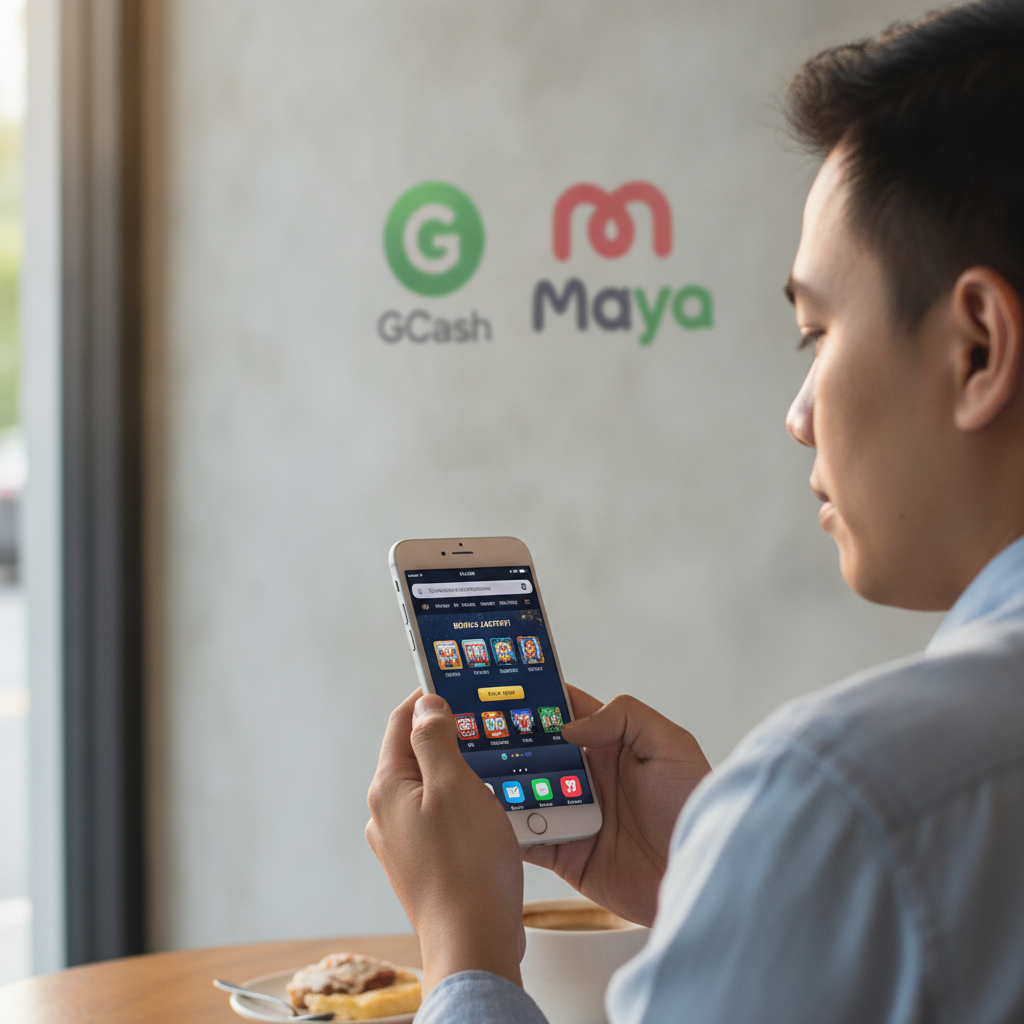
Does JD Shadow Have a Native iOS App for iPhone?
As of now, JD Shadow does not offer a dedicated native app in the Apple App Store for iPhone or iPad users. Filipino players searching for "JD Shadow iOS" or "JD Shadow iPhone app" will not find an official download through Apple's App Store.
This is common among online casinos and sportsbooks serving the Philippine market. Apple's App Store has strict policies around real-money gambling apps, and many operators—including JD Shadow—choose not to publish through that channel. However, this does not prevent iPhone and iPad users from accessing the full JD Shadow platform, including slots, live dealer games, PBA and NBA sports betting, and all payment options like GCash and Maya.
The practical solution is to use JD Shadow through your iPhone's Safari browser. The mobile site is built to work smoothly on iOS devices, with no installation required.
How to Access JD Shadow on Safari Mobile Browser
iPhone and iPad users can reach JD Shadow by opening Safari and entering the JD Shadow website address in the URL bar. The mobile site automatically adjusts to fit your screen, whether you're using an iPhone SE, iPhone 14, or iPad.
Here's how to get started:
- Open Safari on your iPhone or iPad.
- Type the JD Shadow web address into the search bar at the top.
- Tap Go on your keyboard. The JD Shadow homepage will load in mobile view.
- Log in using your existing username and password, or tap the register button if you don't have an account yet.
Once you're logged in, you'll see the same game lobby, sports betting markets, and deposit options available on Android devices or desktop. The mobile browser version supports GCash and Maya deposits, InstaPay and PESONet bank transfers, and fast withdrawals—all optimized for touchscreen navigation.
Safari's mobile browser handles JD Shadow's slots, live casino tables, and sportsbook without requiring any app installation. Graphics, touch controls, and load times are comparable to a native app experience.
Adding JD Shadow to Your iPhone Home Screen for Quick Access
If you use JD Shadow regularly and want faster access without typing the URL every time, you can add a shortcut to your iPhone home screen. This creates an icon that works like an app, launching JD Shadow in Safari with one tap.
Follow these steps:
- Open Safari and navigate to the JD Shadow website.
- Tap the Share button at the bottom of the screen (the square with an upward arrow).
- Scroll down in the share menu and tap Add to Home Screen.
- Edit the name if you like (for example, "JD Shadow"), then tap Add in the upper-right corner.
An icon will appear on your home screen. Tapping it opens JD Shadow directly in Safari, skipping the step of opening the browser and typing the URL. The shortcut does not download any files or take up significant storage—it's simply a bookmark with an icon.
This method is especially useful for players who switch between the sportsbook and casino games throughout the day. You can place the icon on your main home screen or in a folder alongside other entertainment or finance apps.
The home-screen shortcut retains your login session as long as Safari keeps the cookies. If you've enabled "Stay Logged In" on JD Shadow, you may not need to enter your username and password every time you launch the icon, though for security reasons it's wise to log out when using shared devices.
Logging In and Making Deposits on iOS Mobile Browser
Logging in to JD Shadow on an iPhone works the same way as on Android or desktop. After navigating to the site in Safari, tap the Login button (usually in the upper-right corner). Enter your registered username or mobile number and your password, then tap Submit or Log In.
If you've forgotten your password, tap the Forgot Password link. JD Shadow will send a reset code to your registered mobile number or email. Follow the prompts to create a new password, then log in again.
Making a Deposit on iPhone
Once logged in, you can fund your account using GCash, Maya, InstaPay, or PESONet. Here's the general flow:
- Tap the Deposit button in the account menu or cashier section.
- Select your payment method—GCash, Maya, or bank transfer.
- Enter the amount you want to deposit. Typical minimums are PHP 100, and many players deposit between PHP 100 and PHP 500.
- Confirm the transaction. For GCash or Maya, you'll be redirected to the e-wallet app or login screen to authorize the payment. For bank transfer, you'll receive instructions and a reference number to complete the transfer through your bank's app or online portal.
- Return to JD Shadow. Funds from GCash and Maya usually appear within minutes. InstaPay transfers can take a few minutes to an hour, while PESONet may take several hours or until the next banking day.
The deposit interface on Safari is touch-friendly, with large buttons and simple forms. If you're depositing via GCash on an iPhone, you may need to switch between Safari and the GCash app. Keep both apps open in your recent-apps tray to move back and forth quickly.
If a deposit does not appear in your JD Shadow balance after the expected processing time, check your e-wallet or bank transaction history to confirm the payment was completed. Contact JD Shadow customer support if the funds left your account but have not been credited. Have your transaction reference number and timestamp ready.
iOS-Specific Tips
- Enable pop-ups in Safari settings if the payment gateway or GCash/Maya redirect does not open. Go to Settings > Safari and ensure Block Pop-ups is turned off for smoother payment flows.
- Use Safari's autofill for faster login. You can save your username and password in iCloud Keychain, so Safari offers to fill them automatically on future visits.
- Close other browser tabs if the site feels slow. Safari on older iPhones can struggle with many open tabs; closing unused ones frees up memory.
Withdrawals and Account Verification on iOS
JD Shadow processes cashouts to GCash, Maya, and bank accounts the same way on iOS as on any other platform. To request a withdrawal, log in, navigate to the Withdraw or Cashout section, choose your method, and enter the amount.
Processing times vary:
- GCash and Maya: typically a few minutes to a few hours during business hours.
- InstaPay: usually within an hour on weekdays.
- PESONet: next banking day, often by afternoon.
If your withdrawal is pending or delayed, check whether your account verification is complete. JD Shadow may ask for a photo ID, proof of address, or a selfie with your ID before approving your first cashout. You can upload these documents from your iPhone by tapping the verification link in your account settings and using your camera or photo library.
For detailed troubleshooting of pending or failed withdrawals, refer to dedicated withdrawal guides. This article focuses on iOS access and basic account actions; sibling help sites cover in-depth cashout issues.
Why There's No JD Shadow App in the App Store
Apple does not allow most real-money casino and sportsbook apps in the Philippine App Store. Even if an operator builds an iOS app, it typically cannot be distributed through the official store unless the operator holds specific licenses recognized by Apple in certain jurisdictions.
Some casinos offer an iOS web clip or progressive web app (PWA), which looks and feels like a native app but runs in Safari. The home-screen shortcut method described above is essentially the same idea—a web app that launches full-screen from an icon.
Do not download JD Shadow "iOS apps" from third-party websites or app repositories outside the App Store. These files may be unofficial, outdated, or potentially unsafe. Stick to the official JD Shadow website accessed through Safari.
21+ and Responsible Gambling Reminder
JD Shadow is open only to players aged 21 and over. By registering or logging in, you confirm you meet this age requirement.
Gambling should remain entertaining and within your budget. Set deposit limits, take breaks, and seek help if betting feels out of control. Organizations such as the National Center for Mental Health and Gambling Therapy offer free, confidential support for Filipinos.
Final Thoughts
iPhone and iPad users do not need a native iOS app to enjoy JD Shadow's full range of slots, live dealer games, and sports betting on PBA, NBA, and volleyball. Safari's mobile browser delivers a smooth, app-like experience, and adding a home-screen shortcut gives you one-tap access.
Deposits via GCash, Maya, InstaPay, and PESONet work seamlessly on iOS, with the same processing times and limits as Android. Login, account verification, and withdrawals all function through the mobile site, so iPhone users have no disadvantage compared to Android players.
If you encounter login errors, payment redirects that won't open, or verification upload issues on iOS, check Safari's pop-up settings and ensure you're using an up-to-date version of iOS. For specific cashout or technical problems, consult JD Shadow's customer support or dedicated troubleshooting resources on sibling help sites.
Remember: JD Shadow is for players 21 and over. Play responsibly and within your means.