JD Shadow Withdrawal Time: How Long Does GCash, Maya and Bank Payout Take?
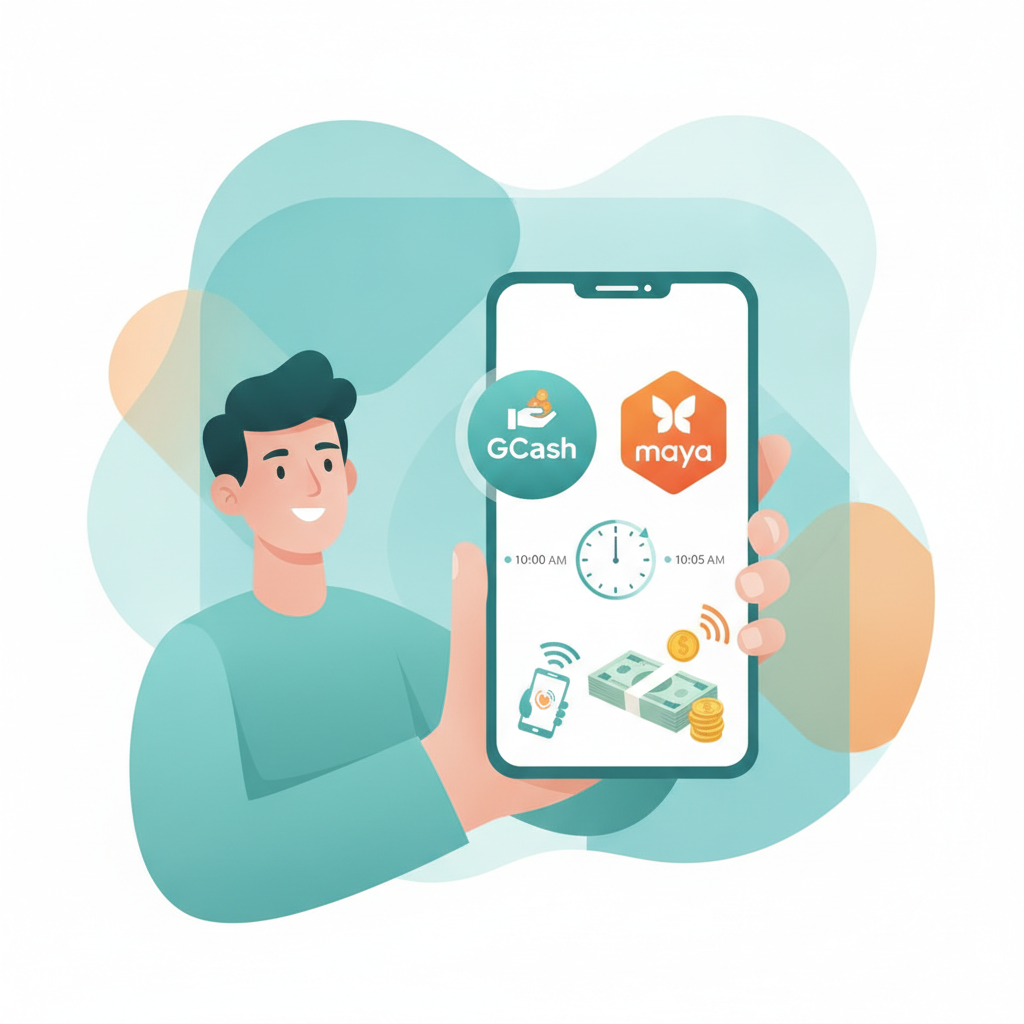
Typical Processing Times for GCash, Maya, InstaPay and PESONet Withdrawals
When you request a cashout from JD Shadow, the time it takes to reach your wallet or bank account depends on the method you choose.
GCash withdrawals are typically the fastest option. Most players report receiving funds within 5 to 30 minutes once JD Shadow approves the request. During off-peak hours—early mornings or weekday afternoons—GCash payouts can land in under 10 minutes. Peak evening hours or weekends may push the wait closer to 30 minutes or slightly longer.
Maya withdrawals follow a similar timeline. Expect funds to appear in your Maya wallet within 10 to 45 minutes after approval. Maya can occasionally take a bit longer than GCash, especially if network traffic is heavy on the Maya platform itself, but most withdrawals still complete within the hour.
InstaPay bank transfers are designed for real-time settlement between Philippine banks. JD Shadow usually processes InstaPay cashouts within 30 minutes to 2 hours. The speed depends on your receiving bank—some banks credit InstaPay transfers almost instantly, while others may take an hour or two to reflect the deposit in your account balance.
PESONet bank transfers are batch-processed, so they take longer. JD Shadow submits PESONet transactions in scheduled batches throughout the banking day. Funds typically arrive within 1 to 3 banking days. If you request a PESONet withdrawal on a Friday evening or before a holiday, expect the payout to land on the next banking day, which could mean waiting until Monday or Tuesday.
All these timeframes assume JD Shadow has already approved your withdrawal. The operator reviews each cashout request for security and account verification before releasing funds. This internal approval step usually takes a few minutes to a few hours, but it can extend if additional checks are needed.
Factors That Delay Cashouts
Several factors can push your JD Shadow withdrawal beyond the typical timeframe.
Account verification status is the most common cause of delays. If you have not yet completed identity verification—uploading a valid government ID and proof of address—JD Shadow may hold your first withdrawal or any large cashout until you submit and pass verification. Even after initial approval, the operator may request updated documents if your account activity changes or if you switch to a new payment method. Always check your account dashboard and email for verification requests; responding quickly can prevent multi-day holds.
Withdrawal method and limits also play a role. GCash and Maya have daily and per-transaction limits, both on JD Shadow's side and within your e-wallet settings. If your cashout amount exceeds the GCash or Maya limit, you may need to split the withdrawal into smaller requests or switch to a bank transfer. Splitting a large cashout into multiple smaller transactions can delay the entire process by hours or even a full day.
Peak usage hours slow down both JD Shadow's internal processing and the payment networks themselves. Friday and Saturday evenings see the highest withdrawal volumes, as players cash out weekend winnings. During these windows, GCash and Maya can experience network congestion, and JD Shadow's finance team may take longer to work through the queue. If you need funds urgently, try submitting your cashout request on a weekday morning.
Pending bonus rollover or active promotions can lock your balance. If you claimed a deposit bonus, free spins, or reload offer, JD Shadow typically requires you to meet the wagering requirement before allowing a withdrawal. Even if the bonus amount itself is small, the entire balance may remain locked until rollover is complete or you forfeit the bonus. Check the promotions tab in your account to see if any active offers are holding your funds.
Technical issues and maintenance windows occasionally cause delays. GCash, Maya, InstaPay and PESONet all perform scheduled maintenance, usually late at night or early morning. If you request a withdrawal during a maintenance window, the transaction will queue until the network comes back online. JD Shadow also schedules periodic system updates, which can temporarily pause cashout processing.
Incorrect account details are a frequent but preventable delay. Double-check that the mobile number linked to your GCash or Maya account matches the number you registered with JD Shadow. For bank transfers, verify the account name, account number, and bank code. A single typo will bounce the transaction, forcing you to contact support and resubmit the request.
What to Do If Your Withdrawal Is Pending Beyond Expected Timeframe
If your JD Shadow cashout is still pending after the typical window for your chosen method, follow these steps.
Check your account status first. Log in to your JD Shadow account and navigate to the withdrawal or transaction history section. Look for any status messages next to your pending cashout. Common statuses include "Pending," "Processing," "Approved," or "Failed." If the status shows "Approved" but funds have not arrived, the delay is likely on the payment network side. If it still says "Pending," JD Shadow has not yet released the transaction.
Verify your payment details. Confirm that the mobile number for GCash or Maya, or the bank account information for InstaPay or PESONet, is correct and matches your registered details. If you recently changed your e-wallet number or bank account, update your JD Shadow profile before requesting another withdrawal.
Review any pending verification requests. Check your registered email inbox and spam folder for messages from JD Shadow. The operator may have sent a request for additional ID documents, proof of payment method, or a selfie verification. Respond with clear, legible photos or scans as quickly as possible. Verification delays can extend a pending cashout by 24 to 72 hours.
Wait for network maintenance to complete. If you requested the withdrawal late at night or during early morning hours, check the GCash, Maya, or your bank's official social media or website for any announcements about scheduled downtime. Payment network maintenance usually resolves within a few hours, and queued transactions process automatically once service resumes.
Contact JD Shadow customer support. If more than 24 hours have passed for a GCash or Maya withdrawal, or more than three banking days for a PESONet transfer, reach out via live chat or email. Provide your account username, the withdrawal reference number, the amount, and the date and time you submitted the request. Support can check the internal status and escalate the issue to the finance team if needed.
Check your e-wallet or bank statement. Occasionally, funds arrive but the notification is delayed or missed. Open your GCash or Maya app and refresh your transaction history. For bank transfers, log in to online banking or check your mobile banking app. Some banks credit the account before sending an SMS or email alert.
Consider the payment method's cutoff times. InstaPay transactions submitted after 5 or 6 PM may not process until the next banking day. PESONet batches have specific cutoff windows—if you miss the last batch of the day, your withdrawal rolls over to the next batch, which could be the following morning or even the next business day.
Cancel and resubmit if the option is available. If your withdrawal has been stuck in "Pending" status for an unusually long time and you spot an error in your payment details, some platforms allow you to cancel the request and submit a corrected one. Check whether JD Shadow offers a cancel button in the withdrawal interface. If not, contact support to request cancellation before resubmitting.
Document the timeline. Keep screenshots of your withdrawal request, the transaction reference, and any email or chat correspondence with support. If the delay extends beyond a reasonable period, this documentation will help support resolve the issue faster.
Responsible Gambling Reminder and Age Requirement
JD Shadow is intended for players aged 21 and over only. Online casino games and sports betting carry real financial risk, and there is no guarantee of winnings.
If you find yourself requesting frequent withdrawals to manage cash flow, or if waiting for a pending cashout is causing stress or financial pressure, it may be a sign to reassess your play. Set deposit limits, take regular breaks, and only wager amounts you can afford to lose.
For confidential support with gambling-related concerns, contact the National Center for Mental Health or a local counseling service in the Philippines. Keeping gaming fun and within your budget is always the priority.